
| 일 | 월 | 화 | 수 | 목 | 금 | 토 |
|---|---|---|---|---|---|---|
| 1 | 2 | 3 | 4 | 5 | 6 | 7 |
| 8 | 9 | 10 | 11 | 12 | 13 | 14 |
| 15 | 16 | 17 | 18 | 19 | 20 | 21 |
| 22 | 23 | 24 | 25 | 26 | 27 | 28 |
- Timer
- addannotation
- MKMapViewDelegate
- SwiftUI Boolean 값
- 단일 책임원칙
- UICollectionViewFlowLayout
- 클로저의 캡슐화
- Required Reason API
- WeatherManager
- 러닝기록앱
- Xcode
- MKMapItem
- xcode로 날씨앱 만들기
- App Store Connect
- UIAlertAction
- 영문 개인정보처리방침
- swift
- AnyObject
- weatherKit
- weak var
- font book
- 러닝타이머
- dispatchsource
- 한국어 개인정보처리방침
- CLLocationManagerDelegate
- Startign Assignments
- 서체관리자
- CoreLocation
- Protocol
- RunningTimer
- Today
- Total
VesselWheel
scaledToFit: 이미지의 가로나 세로가 긴 쪽이 프레임의 테두리(border)에 닿으면 크기가 정해짐 본문
scaledToFit: 이미지의 가로나 세로가 긴 쪽이 프레임의 테두리(border)에 닿으면 크기가 정해짐
JasonYang 2023. 10. 16. 14:50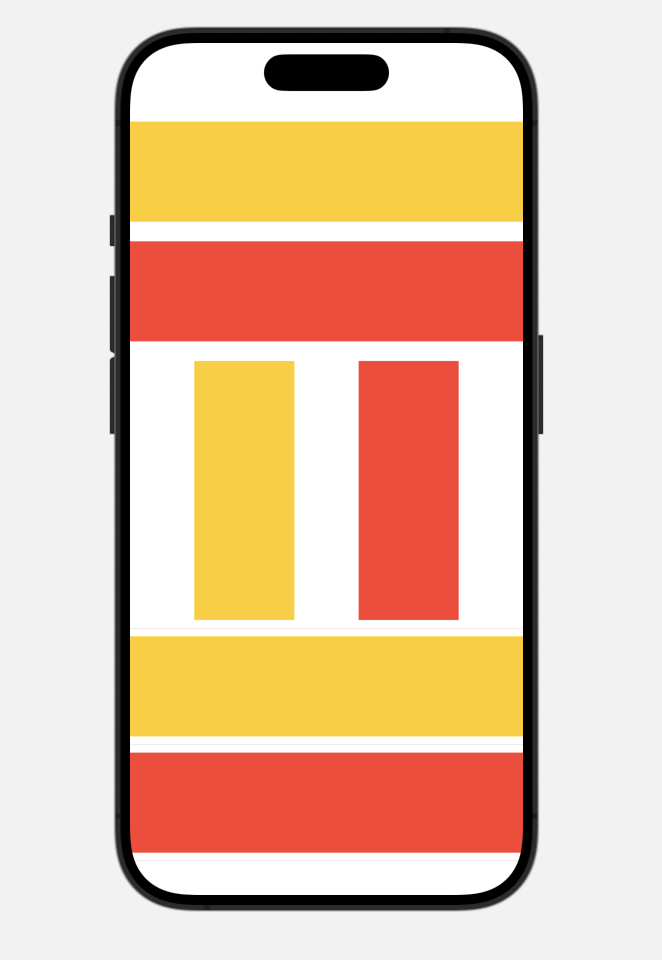
// ContentView.swift
// ex05
//
// Created by tjoeun on 2023/04/15.
//
import SwiftUI
struct ContentView: View {
var body: some View {
VStack{
Image("image01")
.resizable()
// .scaledToFit()
// .aspectRatio(contentMode: .fill)
.aspectRatio(contentMode: .fit)
.border(Color.black)
Divider()
// scaledToFit: 이미지의 가로나 세로가 긴 쪽이 프레임의 테두리(border)에 닿으면 크기가 정해짐
Image("image02")
.resizable()
.scaledToFit()
.frame(width: 350.0, height:350.0, alignment: .center)
.border(Color.black)
Image(systemName: "play.circle")
.resizable()
.aspectRatio(contentMode: .fit)
.border(Color.black)
.foregroundColor(Color.green)
Divider()
Text("image02")
.background(Image("image02")
.resizable()
.frame(width:200, height:200,alignment: .center))
.frame(width: 200, height:200, alignment: .center)
.foregroundColor(Color.white)
.clipShape(Circle())
.shadow(radius: 10)
.overlay(Circle().stroke(Color.green, lineWidth: 5))
}
}
}
struct ContentView_Previews: PreviewProvider {
static var previews: some View {
ContentView()
}
}
'Xcode Study' 카테고리의 다른 글
| rbenv for cocoa pods (0) | 2023.10.18 |
|---|---|
| 버튼 기능 구현하기 by ContentView (0) | 2023.10.17 |
| Stack with spacer() (0) | 2023.10.16 |
| V, S, Z stack and divider (0) | 2023.10.16 |
| 문자를 화면에 출력하는 컨트롤 (0) | 2023.10.16 |

